
Using a screen recorder to add webcam footage to a video is the easiest way to enhance engagement and helps your customers to connect with your video easily. No matter you want to add 4k webcam footage for any session of training or start the video with a live lecture and teach someone. In this article, you will know some steps to make a video from a webcam. So let us begin.
How to start recording your webcam
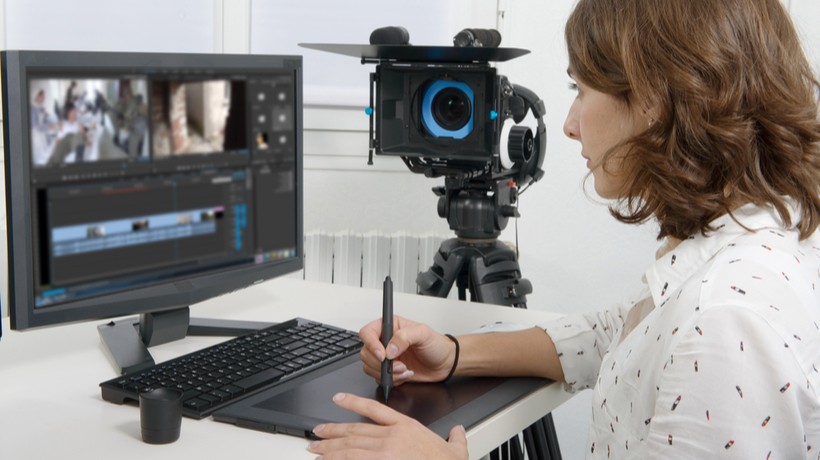
If you want to make simple webcam video then a simple screen recorder work. But if you’re going to create training videos, product demos, then you have to go with a high-quality webcam recorder like Camtasia. Here you will know some steps to make a video in huddle cam with Camtasia software.
Step 1: start a new project
Open software and select a new project option. After that, you can begin to make video and footage, insert them into Camtasia by selection file, after that “import” option and then last media. After that, select the video and footage and choose open. This software adds the video to the multimedia bin, where the webcam footage is ready to use in you new project. If you have not recorded footage, then you can use Camtasia recorder.
Step 2: Position your media
In this step, you have to make a decision. You need to choose the place where you want to appear the 4k-webcam. You can set webcam footage on the top of all videos and other multimedia files. After setting the position and adding the footage, analyze the size and position on the canvas to make sure you look good.
Step 3: save your video
Once your footage is set, transfer your video with the help of clicking on the share button. By doing this produces video and allows selecting the format where you want to save it.

Something that you need to consider while creating video
Set up: while creating a video, you need to set up your background with a solid color, so your viewers don’t distract. Apart from this you need to set camera at eye level and set your position in the center of the frame.
Lighting: the other factor is lightning that you should consider. If you make video near window then avoid creating in front of window. You can set you position adjacent to the window or facing it. Make sure your viewers easily see you and understand your content easily.
That’s all we have for today!!!

For more information visit – https://huddlecamhd.com/